ChatGPT product photography prompts: 8 studio-style prompts
These prompts turn a phone photo of your product into a studio product shot with ChatGPT image generation (GPT Image 2). Each keeps the product and its label, then sets the surface, light and props.
Upload your product photo, paste a prompt, and generate. On Orvlex, "Use this prompt" opens the product photo tool with the prompt filled in; a 1K image costs 3 credits.
Updated November 12, 2026
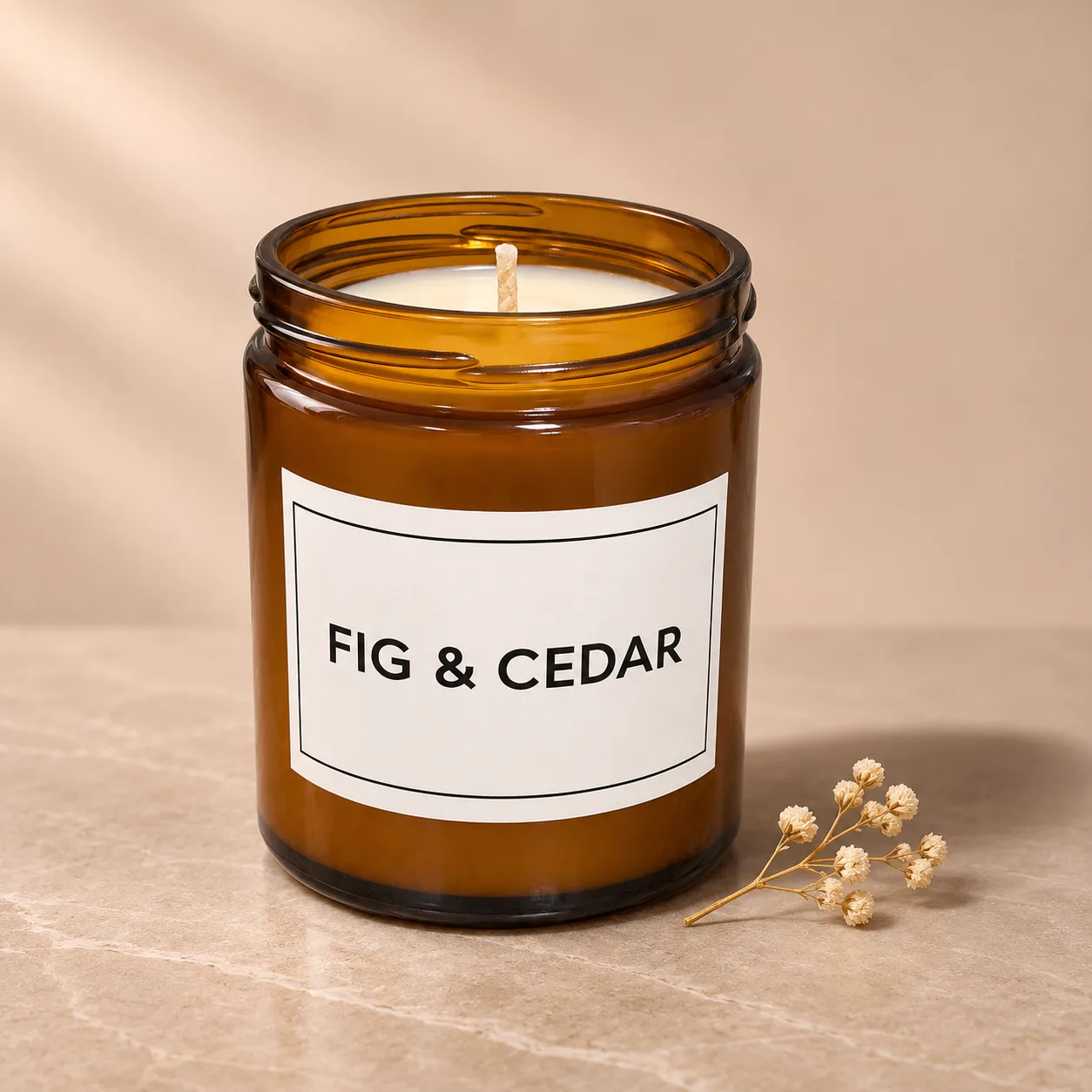
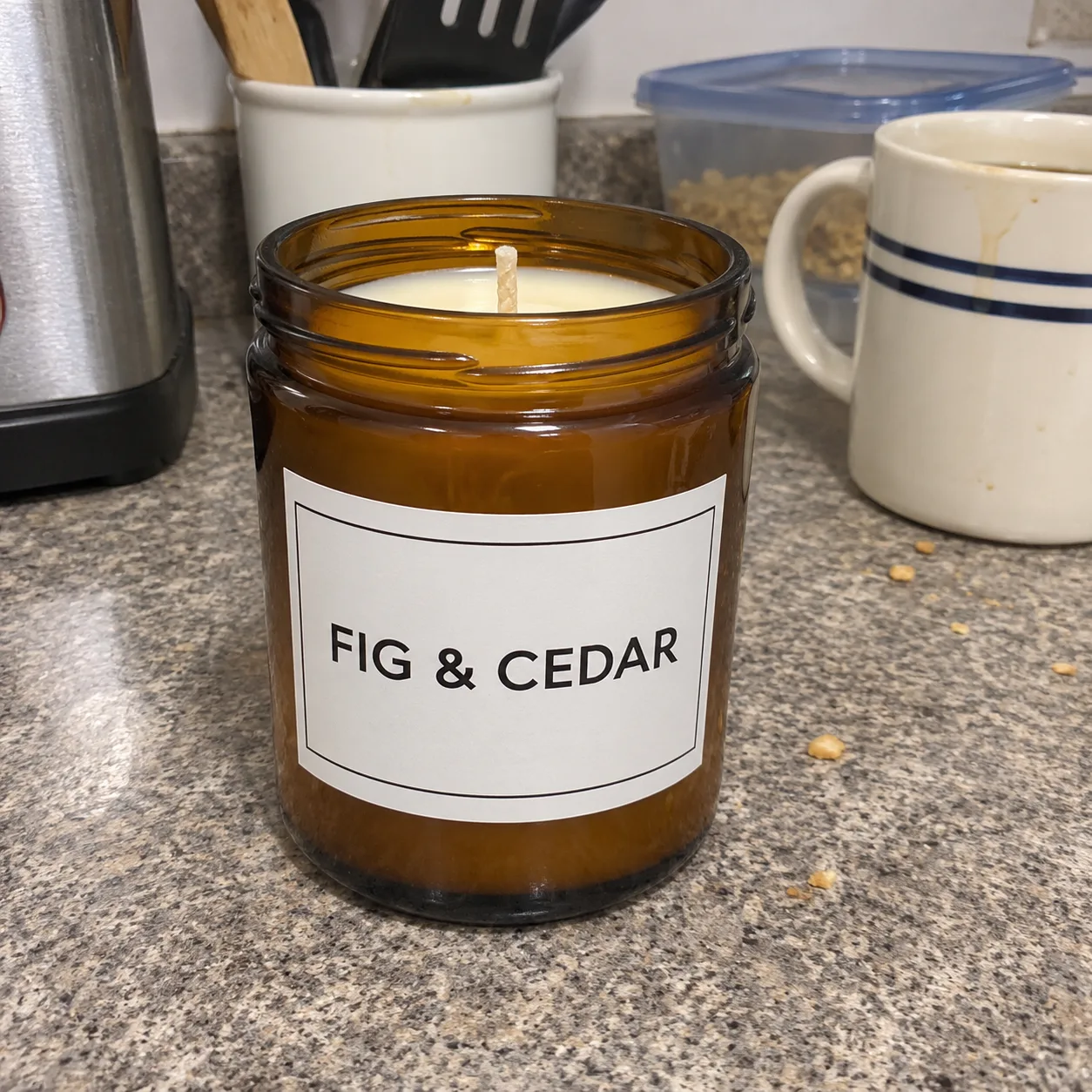
Prompt 01 · real result shown
Candle on stone
Turn the product in the photo into a professional studio product photo. Keep the product, its shape, colours and any label or text exactly the same. Place it on a smooth stone surface with a soft beige backdrop, a small dried flower beside it, soft diffused light from the left, gentle shadow, sharp focus on the product, square composition, high-end e-commerce style.
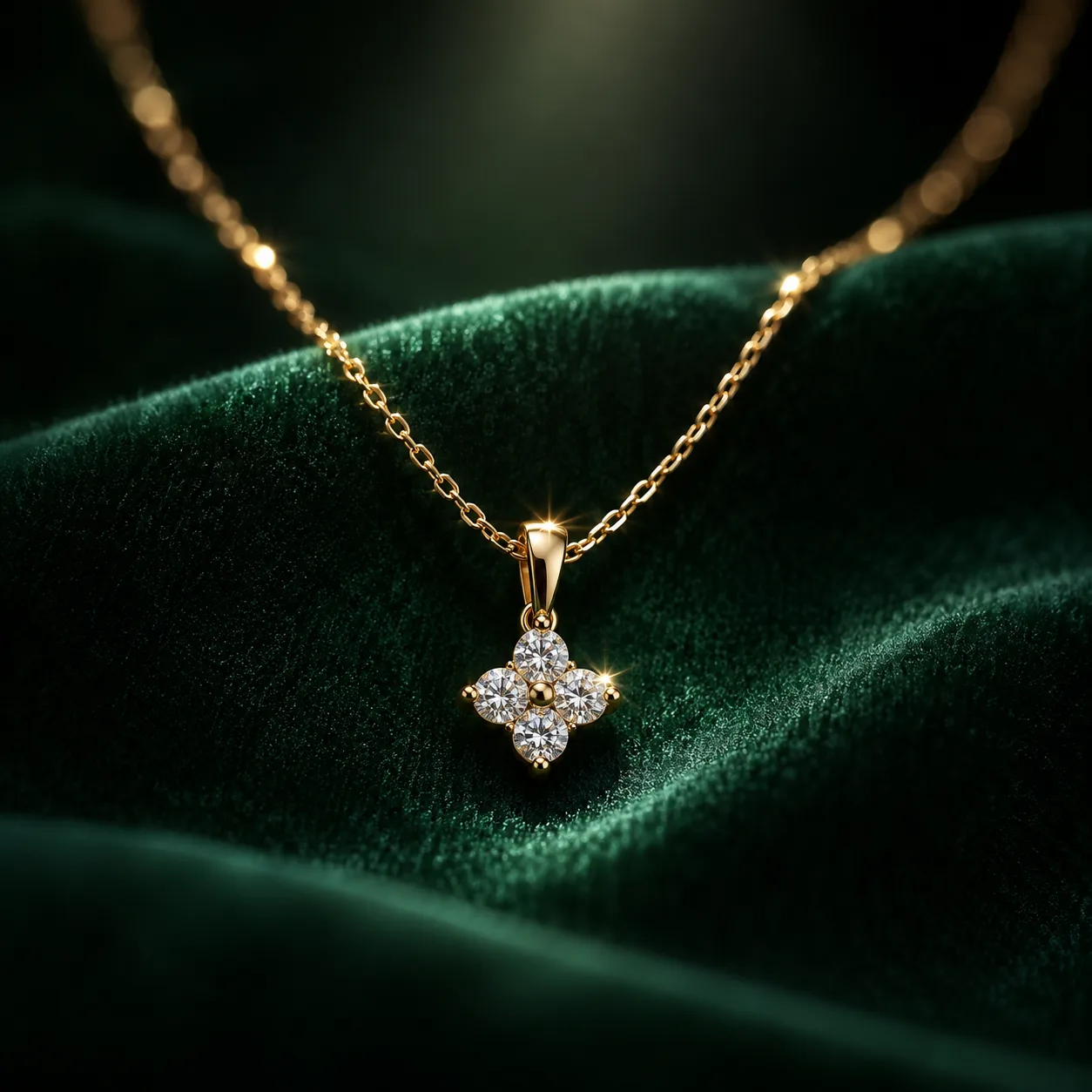
Prompt 02 · real result shown
Jewelry on velvet
Create a luxury jewelry product photo. Place a delicate gold necklace with a small pendant on deep green velvet. Soft spotlight from above with tiny sparkles on the metal, dark moody background, macro lens, very shallow depth of field, sharp focus on the pendant, high-end jewelry advertising style.
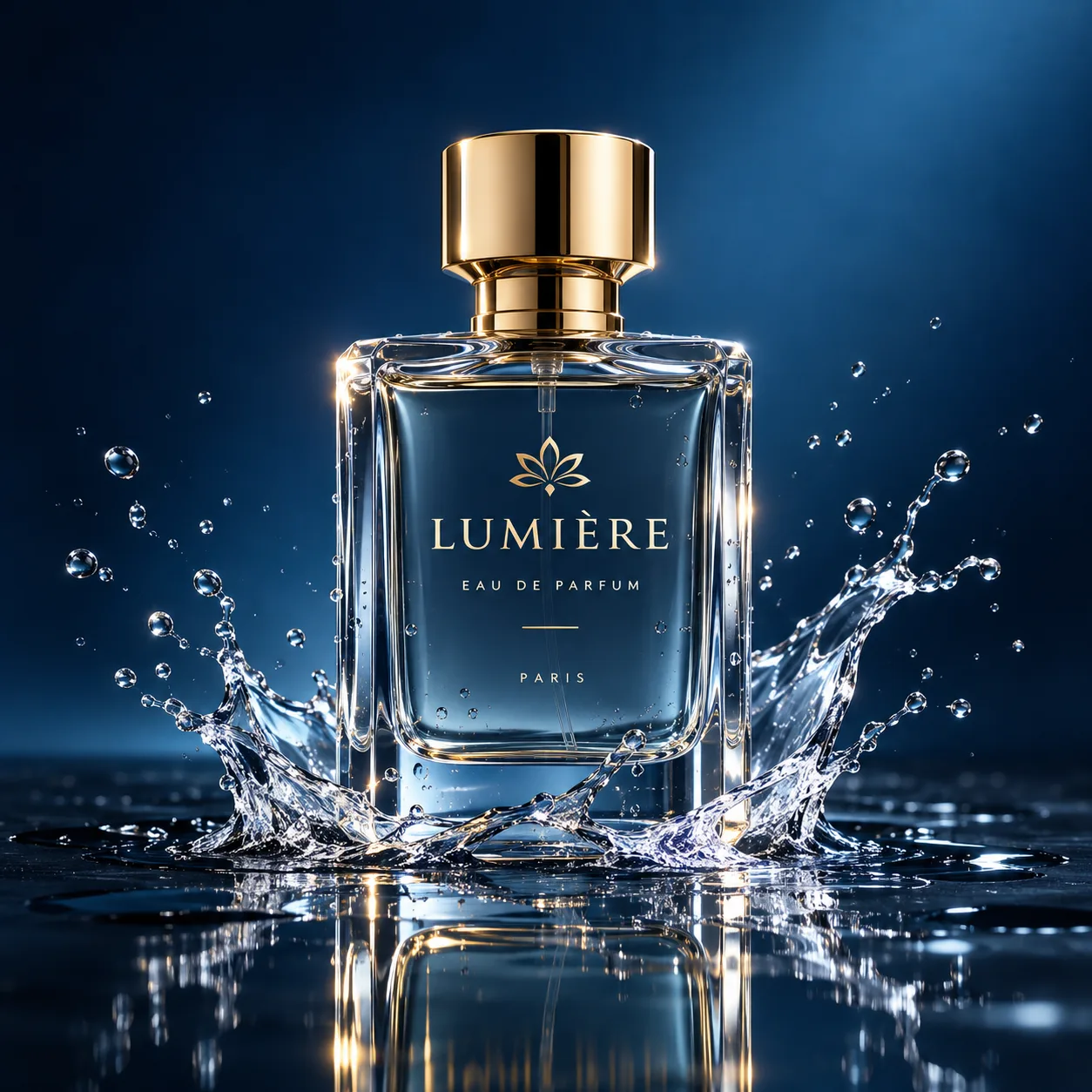
Prompt 03 · real result shown
Perfume with water splash
Create a perfume advertising photo. A clear glass perfume bottle with a gold cap stands on a wet black surface, a frozen splash of water around its base, soft rim light outlining the glass, dark blue gradient background, crisp reflections, premium fragrance campaign style.
Prompt 04
Skincare flat lay
Turn the product in the photo into a skincare flat lay. Keep the product, its packaging and label exactly the same. Top-down view on a soft pink background with smooth white pebbles, a slice of cucumber and a few water droplets, bright even daylight, clean and fresh, square composition.
Prompt 05
Pure white for Amazon
Turn the product in the photo into an Amazon main image. Keep the product, its shape, colours and label exactly the same. Pure white background (#FFFFFF), soft even light, a very light natural shadow under the product, the product filling about 85% of the frame, no props, no text.
Prompt 06
Cosy lifestyle (Etsy)
Turn the product in the photo into a cosy lifestyle photo for an Etsy listing. Keep the product and its label exactly the same. Place it on a wooden table by a window with a knitted blanket, a cup of tea and a small plant, warm morning light, soft focus background, inviting and handmade feel.
Prompt 07
Coffee bag with beans
Turn the product in the photo into a coffee product photo. Keep the bag, its colours and label exactly the same. Stand it on dark wood with scattered roasted coffee beans and a small burlap sack, warm side light, rich brown tones, shallow depth of field, artisan roaster style.
Prompt 08
Floating minimalist
Turn the product in the photo into a minimalist floating product shot. Keep the product, its shape and label exactly the same. The product floats slightly above a pastel lilac podium with a soft shadow beneath, matching lilac background, clean even studio light, modern 3D render look, square composition.
Tips
How to get good results
- Keep "Keep the product, its shape, colours and label exactly the same" so the model does not redesign your product.
- Shoot the original straight on in daylight; the clearer the label, the better it survives.
- Turn the result into a short video ad with the AI product ad video tool.
You need: one photo of your product.
FAQ
Questions
Do these prompts work in ChatGPT?
Yes. ChatGPT makes images with GPT Image 2. Upload your product photo and paste a prompt. On Orvlex the same model is in the product photo tool.
Will the text on my label come out right?
GPT Image 2 is strong at text, so short labels usually stay readable. Check small print before you publish.
How much does it cost on Orvlex?
A 1K image on GPT Image 2 costs 3 credits, about $0.03. New accounts get 30 free credits after confirming their email.
Try them on your own photo
The AI Product Photo tool has the first prompt ready. New accounts get 30 free credits.
More