AI Video Generator with Kling 3.0, Seedance 2.5 and more
The Orvlex AI video generator turns text or a photo into a 5 to 15-second clip with five models: Kling 3.0, Seedance 2.5, Seedance 2.0 Mini, Hailuo 2.3 and Wan 2.6 Flash. A 5-second clip starts at 26 credits (about $0.26), and 15 seconds of Seedance 2.5 at 720p is 982 credits.
Both Seedance models add generated sound at no extra cost.
Updated November 12, 2026
Scene
Model
Starting image
Resolution
Duration
Set it up now. You sign in when you generate; new accounts get 30 free credits.
Real results made on Orvlex
Unedited · prompts shown

Wan 2.6 Flash · 720P · 5 s · sound · from the input image
Illustration animated with sound
Prompt: “The cat stretches and yawns, rain runs down the window, the lamp light flickers softly”
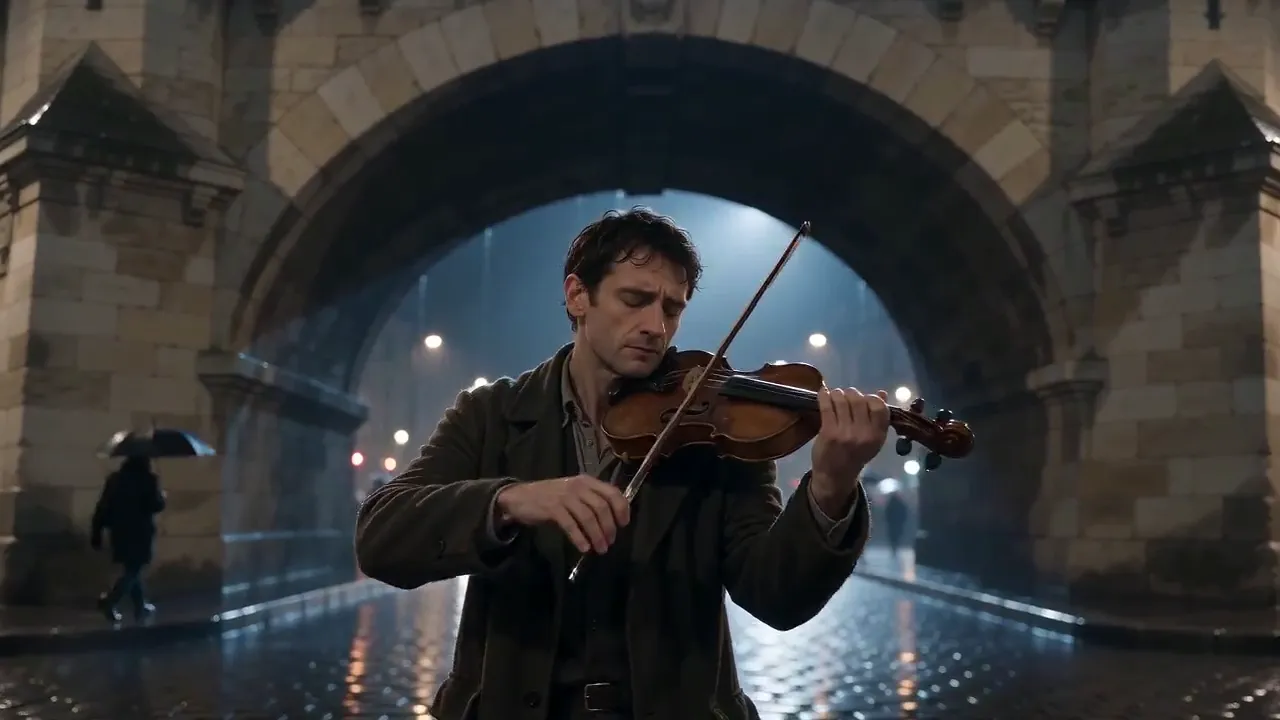
Seedance 2.0 Mini · 720P · 5 s · 16:9 · sound
Night street scene with music and rain
Prompt: “A street musician plays violin under a stone bridge at night in light rain, passersby with umbrellas, slow dolly-in, ambient city sound and violin”
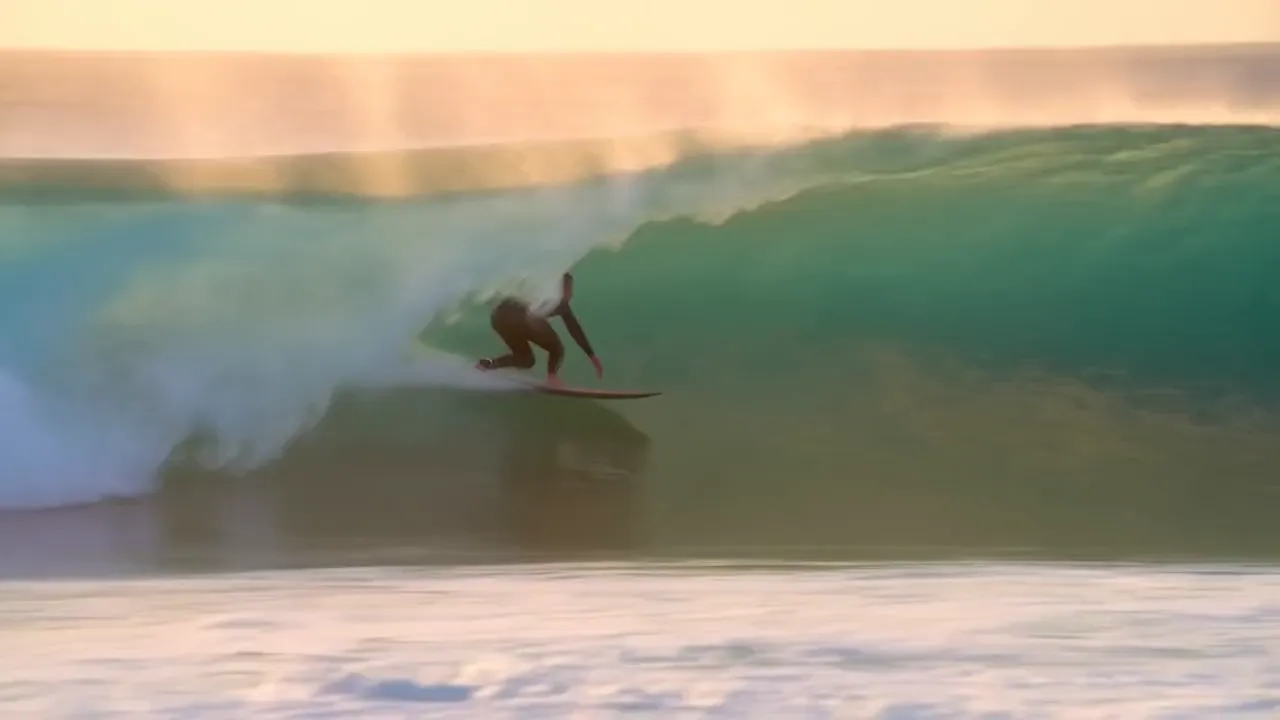
Hailuo 2.3 · 768P · 6 s
Tracking shot of a surfer at sunrise
Prompt: “A surfer carves along a turquoise wave at sunrise, the camera tracks alongside low to the water, spray catching the light”

Kling 3.0 · Standard · 5 s · 16:9 · from the input image
Photo as the exact first frame
Prompt: “The tram slowly climbs the hill toward the camera, pedestrians walk past, warm evening light”
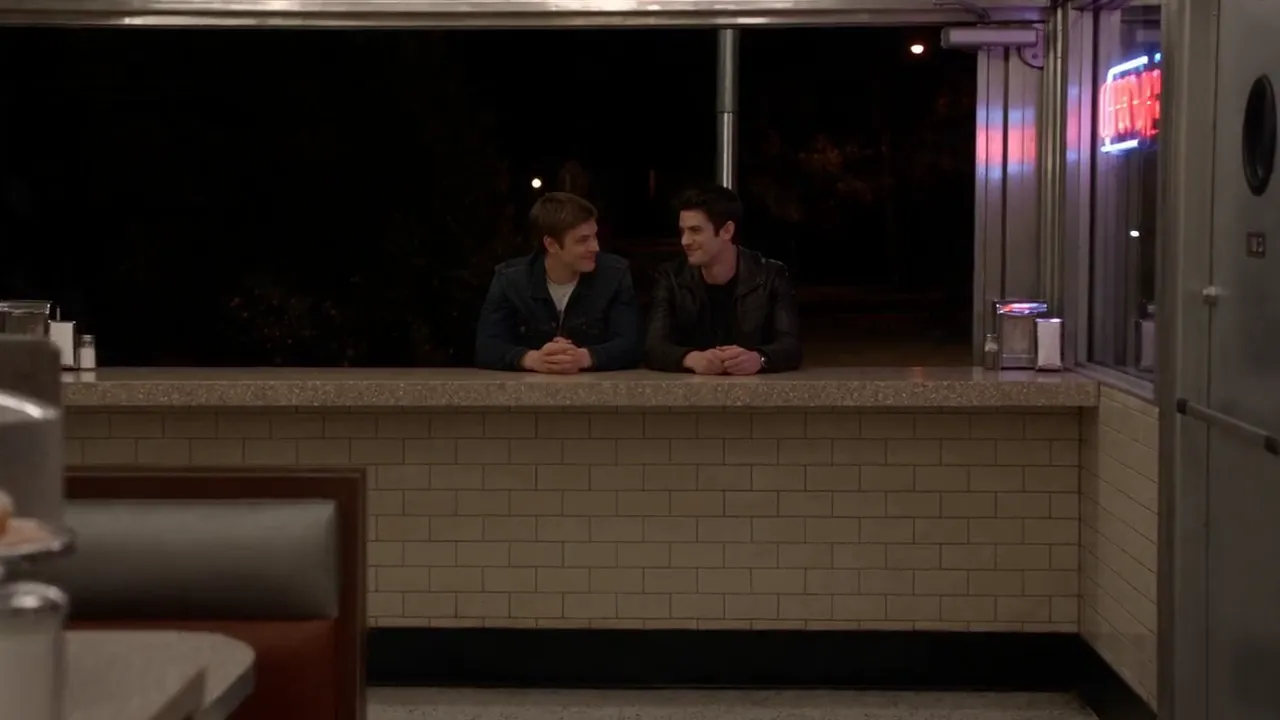
Seedance 2.5 · 720P · 5 s · 16:9 · sound
Two-shot diner scene with sound
Prompt: “Two friends share a laugh at a small diner counter at night, a neon sign glows outside the window, the shot cuts from a wide view to a close-up, soft jazz plays”
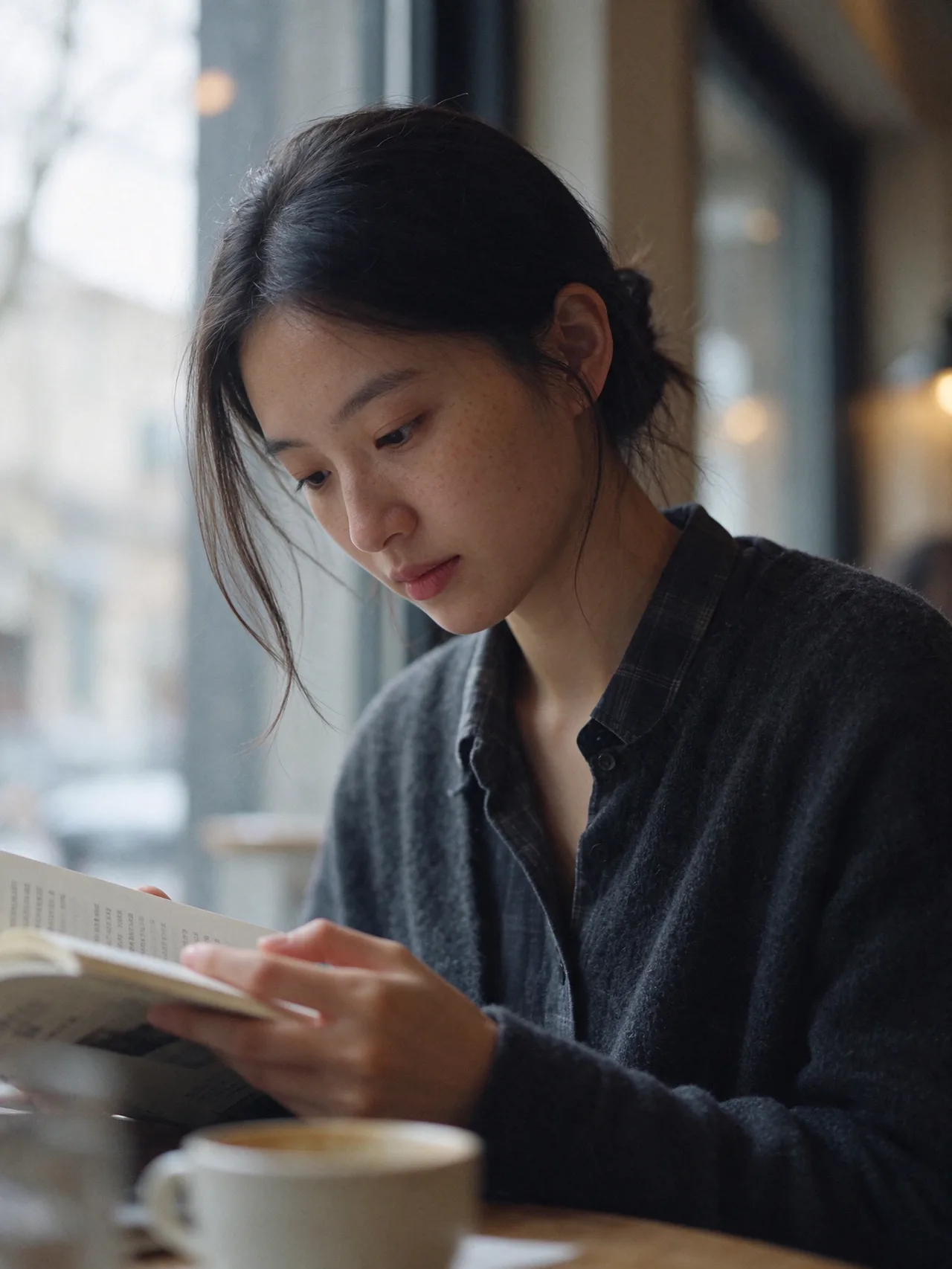
Seedance 2.0 Mini · 720P · 10 s · 9:16 · sound · from the input image
One photo, from 20 to 80
Prompt: “Use the person in the reference image. One continuous close-up shot, face centred, looking at the camera, with no cuts. Over 10 seconds the same person ages smoothly: about 20 years old at the start, about 40 in the middle and about 80 at the end. Hair slowly turns grey, wrinkles and laugh lines deepen, skin softens. Keep the face shape, eyes and identity the same throughout. Soft even light, plain warm background, a gentle piano melody.”

Seedance 2.0 Mini · 720P · 15 s · 9:16 · sound · from the input image
Thanksgiving Bend dance from one photo
Prompt: “Use the person in the reference image, full body, same face, hair and clothes. Vertical 15-second clip in a cosy Thanksgiving dining room: a roast turkey, pumpkins and candles on the table, autumn leaves and warm string lights. The person faces the camera and does a playful bend-and-bounce dance to the beat: bends forward at the waist with hands on the knees, bounces, swings the arms side to side, pops back up with a big grin, then repeats with a little spin. Fixed camera, full body always in frame, warm cosy light. Upbeat funky remix beat with a fun food-themed chant.”

Kling 3.0 · Standard · 5 s · 1:1 · from the input image
Product photo to 5-second ad
Prompt: “Premium product commercial. Start exactly on the image. Slow, smooth push-in toward the product with a slight orbit to the right. Soft light glides across the surface, a gentle glint on the edges, a thin wisp of steam or a few floating particles in the light. The product stays sharp and unchanged, label readable. Calm, elegant, high-end advertising look.”
Seedance 2.0 Mini · 720P · 15 s · 9:16 · sound · from the input image
Wassup in a Minute: photo to anime sway
Prompt: “Vertical 15-second anime edit. Image 1 is the person. Redraw them as a hand-drawn 2D anime character in the "Atlanta Lock" streetwear style: oversized puffer jacket, baggy jeans, chunky sneakers and a gold chain. Keep their face shape, hairstyle, hair colour, skin tone and glasses (if any) so they stay recognisable. Flat cel-shaded anime art with clean ink outlines, full body centred on a plain pure-white background, like a sticker. Nothing else in the frame. For the whole 15 seconds the character keeps swaying side to side from the feet on the beat, about two sways a second, nodding the head, with one small hand move such as a peace sign, fanning a stack of cash, or a smirk and a wink. Fixed camera, no camera moves, no cuts. Audio: an original bouncy jersey club beat with a heavy kick and chopped vocal-style chants. Do not use any existing song or lyrics.”
Turn a still image into a video with sound
Upload a picture and describe the motion. Wan 2.6 Flash animates it in a few minutes and can add matching sound.
Made with Wan 2.6 Flash · 720P · 5 s · sound
Start a clip from your exact first frame
Use your own photo as the opening shot. Kling 3.0 keeps the frame as it is and moves the scene from there.
Made with Kling 3.0 · Standard · 5 s · 16:9
Make a short scene with cuts and sound
Describe a wide shot and a close-up in one prompt. Seedance 2.5 cuts between them and generates the sound in the same pass.
Made with Seedance 2.5 · 720P · 5 s · 16:9 · sound
Make 15-second clips with sound on a budget
Seedance 2.0 Mini generates sound by default and costs a fraction of Seedance 2.5, so longer clips stay affordable.
Made with Seedance 2.0 Mini · 720P · 5 s · 16:9 · sound
Follow fast action with a moving camera
Hailuo 2.3 handles quick motion and tracking shots, such as sports, dance or vehicles.
Made with Hailuo 2.3 · 768P · 6 s
How it works
Three steps, start to file
- 01
Pick a model and describe the shot
Say what happens and how the camera moves, or upload a photo to start from.
- 02
Choose length and sound, then generate
The price updates as you change settings and shows on the button. Sign in at this step.
- 03
Get the MP4 in your library
Most clips are ready in a few minutes. You can leave the page; the video waits in your library.
Models
Pick the right video model
 Wan 2.6 FlashAlibaba Wan
Bring one photo to life
from 26 credits
 Seedance 2.0 MiniByteDance
Longer clips for less
from 28 credits
 Hailuo 2.3MiniMax
Natural motion and camera work
from 89 credits
 Kling 3.0Kuaishou
Cinematic shots up to 15 seconds
from 102 credits
 Seedance 2.5ByteDance
Multi-shot stories with sound
from 146 credits
What you can do
More video features
Animate a photo
Upload a starting frame and describe the motion. Wan 2.6 Flash does it in seconds for a few credits.
Sound included
Seedance 2.5 generates dialogue, music and ambience with the picture. Kling 3.0 and Wan can add audio too.
Consistent characters
Give Seedance 2.5 up to four reference images and the same people appear across every shot.
Pick the length
5, 10 or 15 seconds. You pay per second, and the price updates as you change settings.
Vertical or wide
16:9 for YouTube, 9:16 for Shorts and Reels, 1:1 for feeds.
Refunds on failure
If a render fails or times out, the credits go straight back to your balance.
Scenes
Or start from a ready-made scene
Guides
Video model prices and comparisons
- Seedance 2.5 vs Kling 3.0: which one should you use?Seedance 2.5 for multi-shot stories with sound and consistent characters; Kling 3.0 for an exact first frame and lower prices.
- How much does a Seedance 2.5 video cost?Seedance 2.5 costs 146 to 2,430 credits per clip on Orvlex; 15 seconds at 720p is 982 credits, about $9.72.
- What do Nano Banana Pro and GPT Image 2 cost per image?GPT Image 2 is 3 to 7 credits and Nano Banana Pro 7 to 10 credits per image on Orvlex, about $0.03 to $0.10.
- Which AI video generators make sound?Seedance 2.5 and Seedance 2.0 Mini include sound; Kling 3.0 and Wan 2.6 Flash add it for more; Hailuo 2.3 is silent.
- Looking for a Higgsfield alternative?Orvlex starts at $9.90 for 1,000 credits with every model included; Higgsfield has more models and tools from $15 a month.
FAQ
Common questions
Do I need an account or a card?
You can set up a generation without an account. To run it, sign in with email or Google. New accounts get 30 free credits after confirming their email, with no card needed.
What file do I get?
An MP4 at the resolution and length you picked, with sound when the model generates it. Free Wan 2.6 Flash clips carry a watermark.
Does it work on a phone?
Yes. The generator works in mobile browsers, and you can upload photos straight from your camera roll.
Can I turn a photo into a video?
Yes. Every video model accepts a starting image, and Wan 2.6 Flash is built for exactly that. Upload the photo, describe the motion, and generate.
How long can a video be?
Up to 15 seconds on Kling 3.0, Seedance 2.5, Seedance 2.0 Mini and Wan 2.6 Flash, and up to 10 seconds on Hailuo 2.3. Longer clips cost proportionally more.
Do videos have sound?
Seedance 2.5 and Seedance 2.0 Mini generate sound by default. Kling 3.0 and Wan 2.6 Flash can add sound for a higher price. Hailuo 2.3 is silent.
How long does a video take?
Usually a few minutes, depending on the model and length. You can leave the page; the result lands in your library when it is ready.
Make a video now
New accounts get 30 free credits after confirming their email. Plans and packs are on the pricing page.