AI hotel lobby video from two photos
Add two photos for a 15-second Hotel Lobby-style performance. The result appears here when it is ready.
JPG, PNG or WebP · up to 10 MB each · One clear person per photo
Pay first · No account required · Unused credits valid for one year
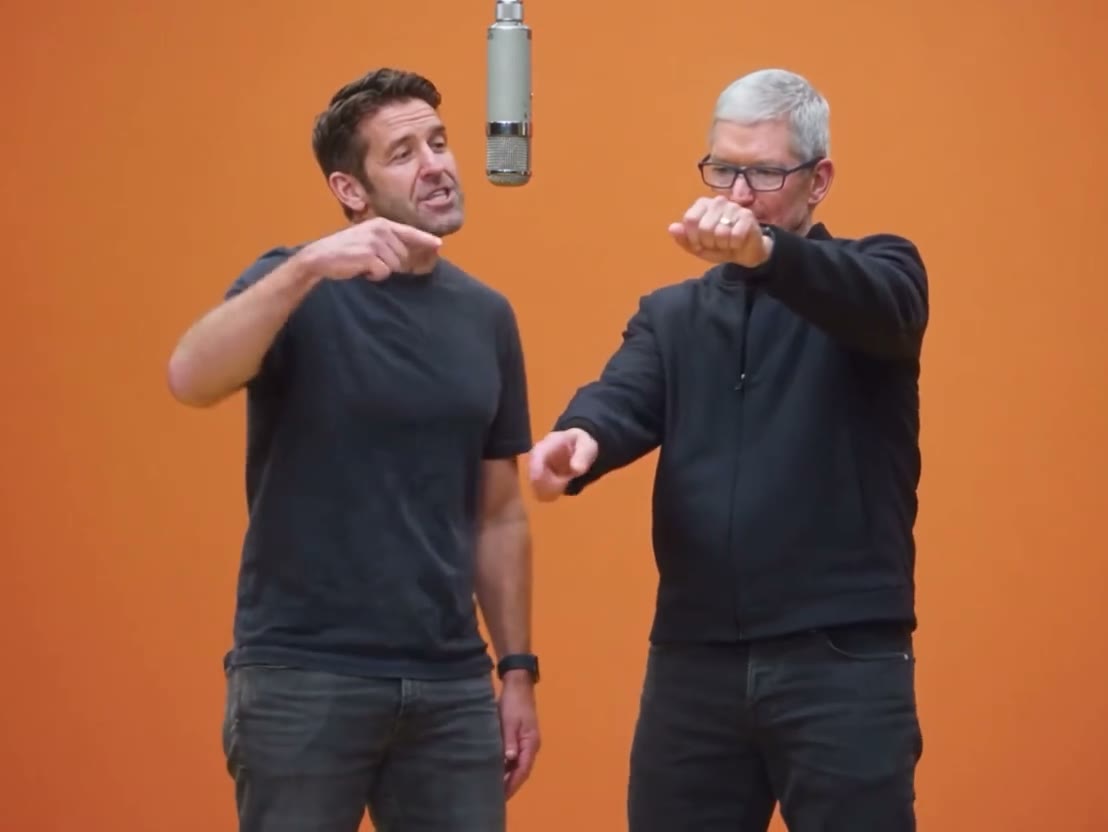
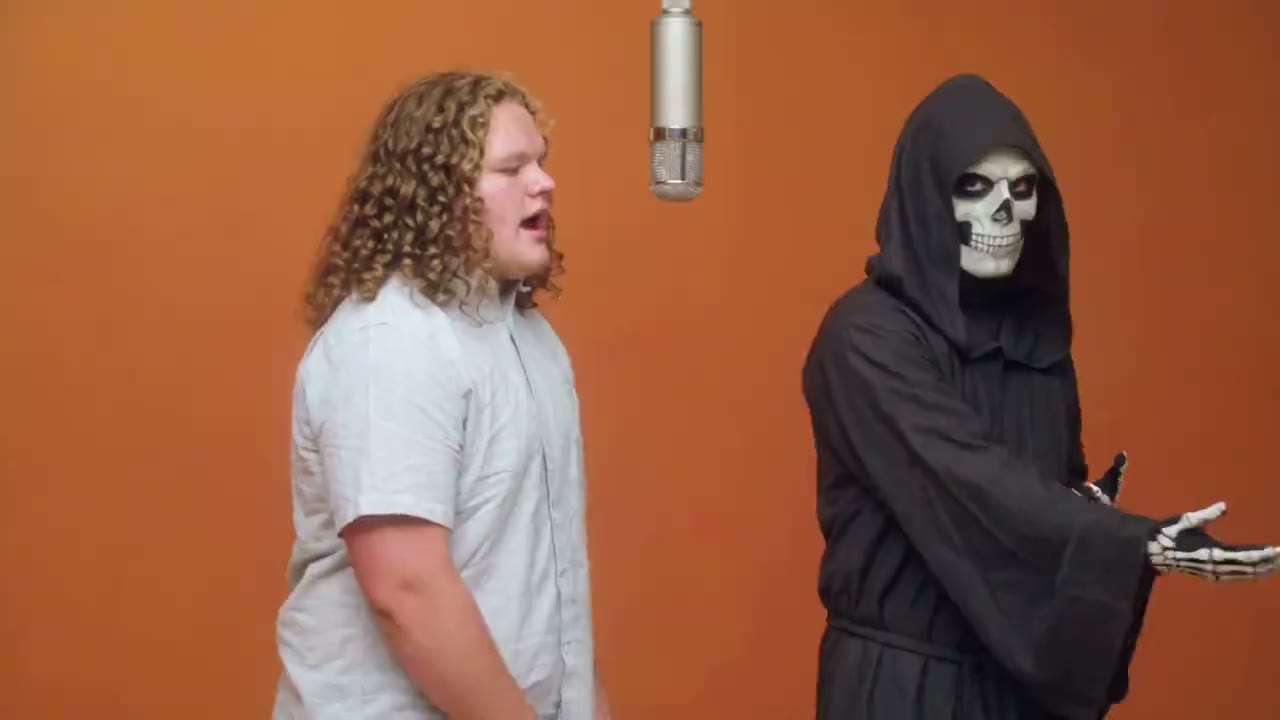
Two photos enter one shared performance. The first person stays on the left, the second on the right. The examples show the orange-studio direction of the template.
Watch the exampleReference examples
See the template in motion.
Watch the scene and pacing before choosing your photos. These clips are examples.
 Example
What is an AI hotel lobby video?
An AI hotel lobby video puts two people into a short, staged performance made from their photos. Despite the name, the scene is an orange studio, not a hotel reception. The familiar visual is a pair of performers sharing the frame under a hanging microphone. Orvlex uses that scene as a fixed template: you supply one photo for each person, and the page shows a reference example before you start. The template sets the scene and pacing. You do not write a prompt, choose camera moves, or assemble clips on a timeline.
The wider Hotel Lobby AI meme draws on Quavo and Takeoff’s “HOTEL LOBBY” performance for A COLORS SHOW. COLORS has also described how AI remixes of that performance spread online. That is the background to the name and orange-studio look; this page is an Orvlex template with its own two-photo input and 15-second output.
For the performance and the studio’s account of the meme, see COLORSxSTUDIOS.
Why this two-person scene works
The point of the format is the pairing. Put close friends in the frame for a familiar duo, or choose two people who would never normally share a performance. A couple or siblings can play the scene straight; an unlikely pair can make the same setup feel different without changing the template. These are ideas for who to put in the two slots, not separate scene options or a promise that every photo will produce the same expression.
Each upload has a defined position. Photo 1 is the person on the left, and Photo 2 is the person on the right. That lets you decide the pairing before you generate. Use two distinct photos with one clearly visible face in each. Front-facing images with good light make it easier to see who you selected in the preview and in the finished scene. The example clips above show the framing and rhythm to expect from this template.
How to make an AI hotel lobby video
Pay $9.90 for one 15-second video, then leave your email address and add one photo per person. Photo 1 is the left performer and Photo 2 is the right performer. Check the thumbnails before you generate; switching the files switches the roles. No account is required.
The result appears on this page for watching and download when it is ready, and a private download link is sent to your email. Uploaded photos are checked before generation and the result is checked afterward. For a different mood, the other launch template turns a familiar face into a survivor-and-zombie scene.
For that story, see the AI zombie video template.
How it works
Three steps. No timeline.
Add two photos
Add one clear photo for each person. Photo 1 is on the left; Photo 2 is on the right.
We render
Generate the fixed orange-studio performance. Watch the result here when it is ready.
Watch and save
Watch the 15-second result on this page, then download it.
Simple pricing
Credits. That's the whole model.
Pay for one video, then leave your email and upload two photos.
10 credits
15 seconds · 2 photos · no subscription
Unused credits are valid for one year. See the Terms for safety checks and refunds.
Questions
Before you make one.
How many photos do I need?
Two. Use one photo per person, with faces visible and good light.
Can I change who appears on the left?
Yes. Put that person in Photo 1. Photo 2 is the person on the right.
Do I need to write a prompt?
No. The scene is a fixed template.
Is the scene inside a hotel?
No. The Hotel Lobby name refers to the performance format. The example is set in an orange studio.
How long should I allow for the video?
Render time varies. Your 15-second video appears on this page when it is ready.
How much does one video cost?
One 15-second video costs 10 credits. The only pack is 10 credits for $9.90.
What happens if a safety check blocks the video?
If uploaded content is blocked before generation, the task fails and your credits return. If the generated video is blocked after generation, the task fails and your credits do not return.
Is there a free trial or subscription?
No. There is one pay-per-video credit pack and no subscription.
Do I need an account?
No. Pay first, add an email address, then upload two photos and generate.
Another direction
Same photos. Different story.
AI zombie
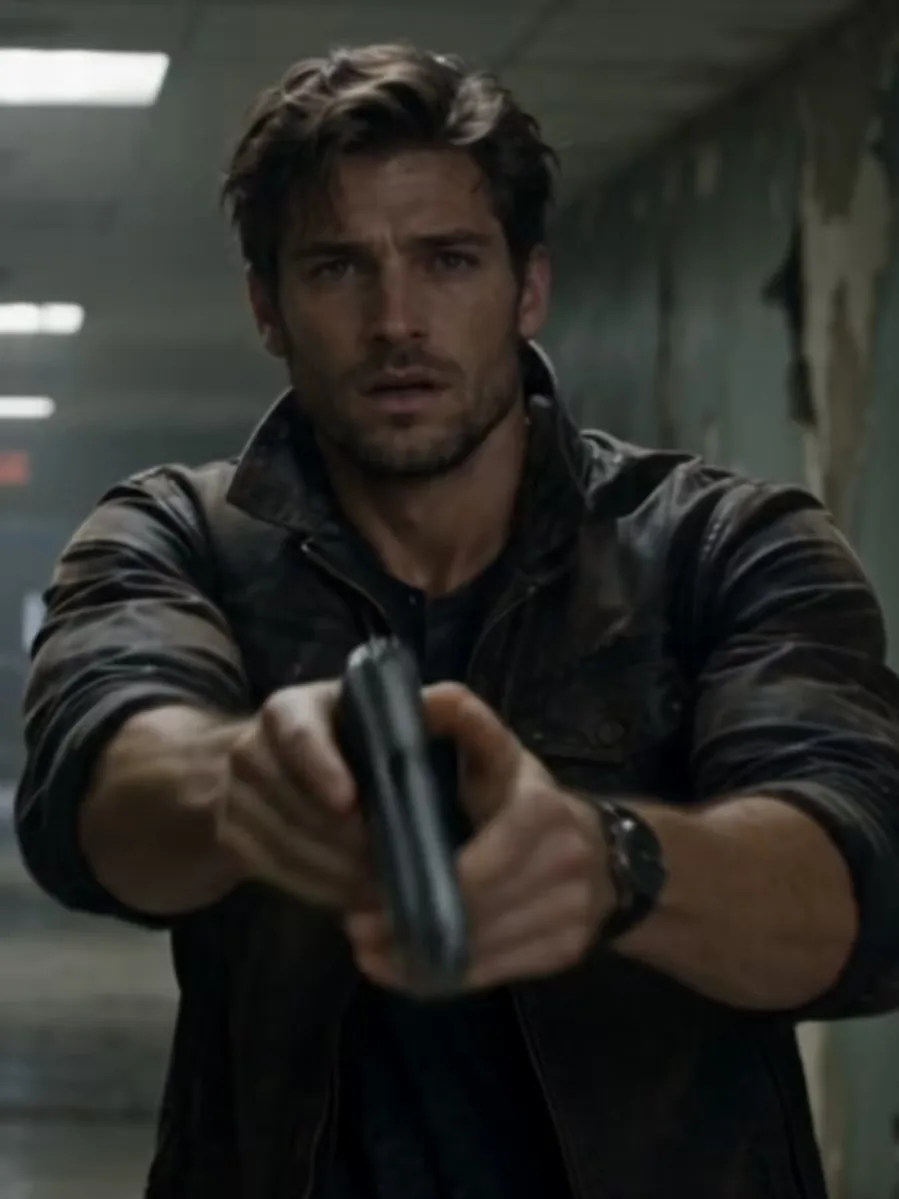
A familiar face, a different ending.