AI zombie video from two photos
Add two photos for a 15-second survivor-and-zombie story. The result appears here when it is ready.
JPG, PNG or WebP · up to 10 MB each · One clear person per photo
Pay first · No account required · Unused credits valid for one year
The first photo is the survivor. The second is someone they know, seen as infected in the present and healthy in a memory. The story and pacing are fixed.
Watch the exampleReference examples
See the template in motion.
Watch the scene and pacing before choosing your photos. These clips are examples.
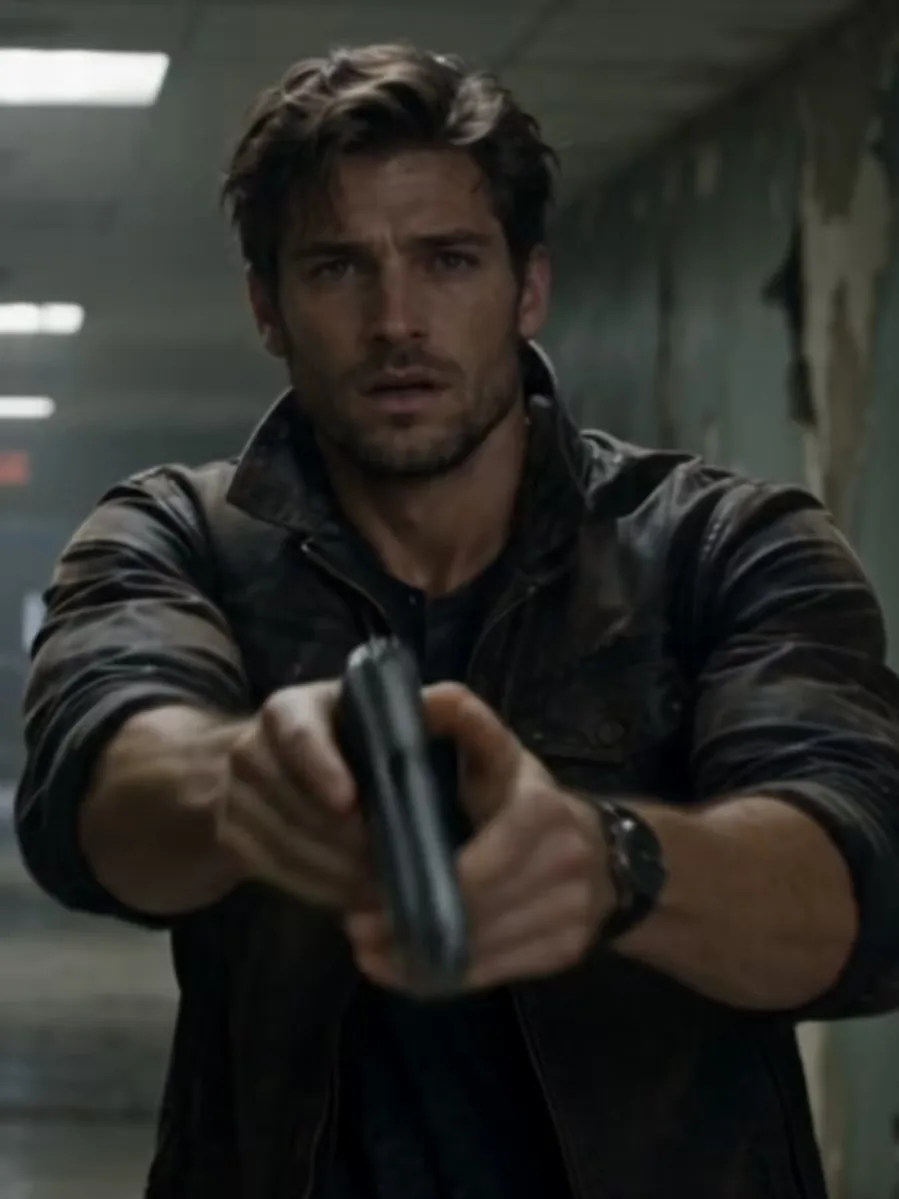
 Example
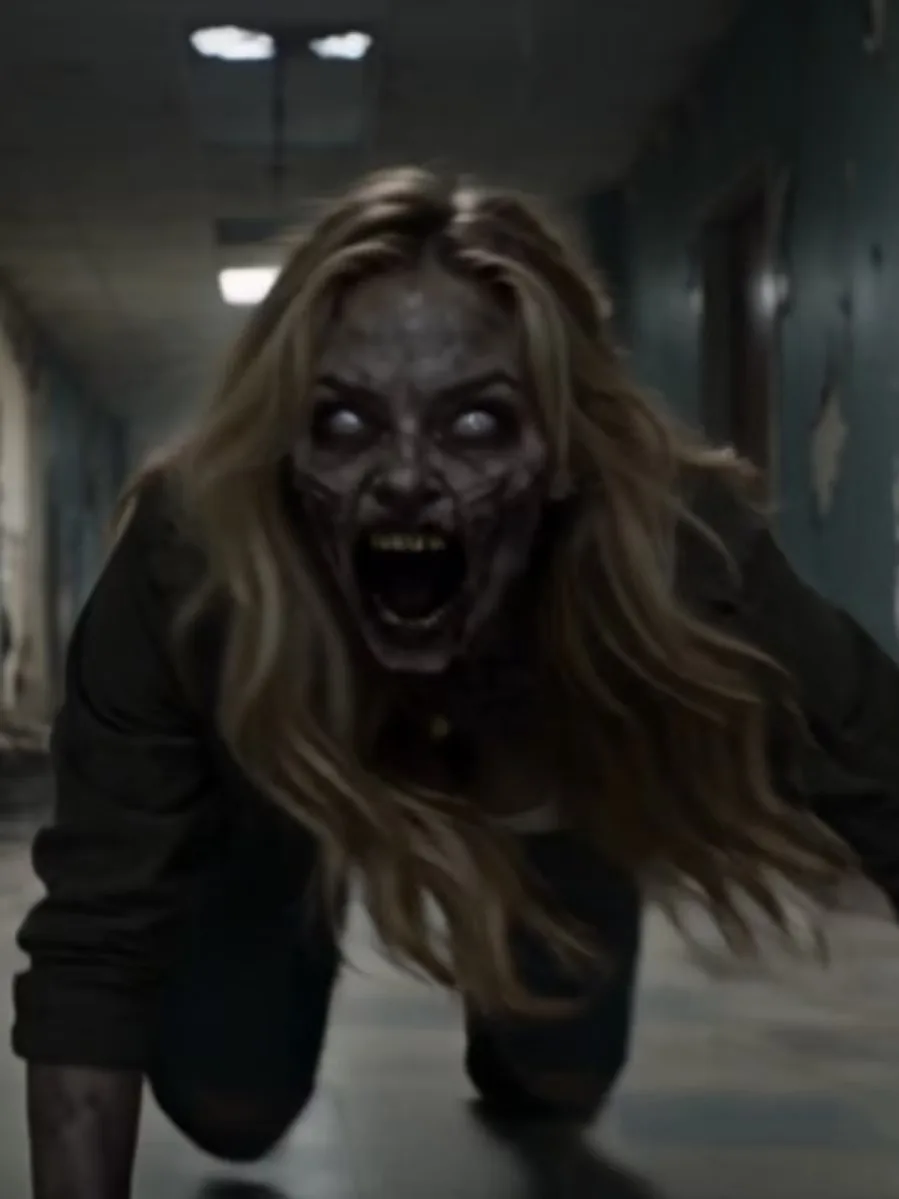
 Example
What is an AI zombie video?
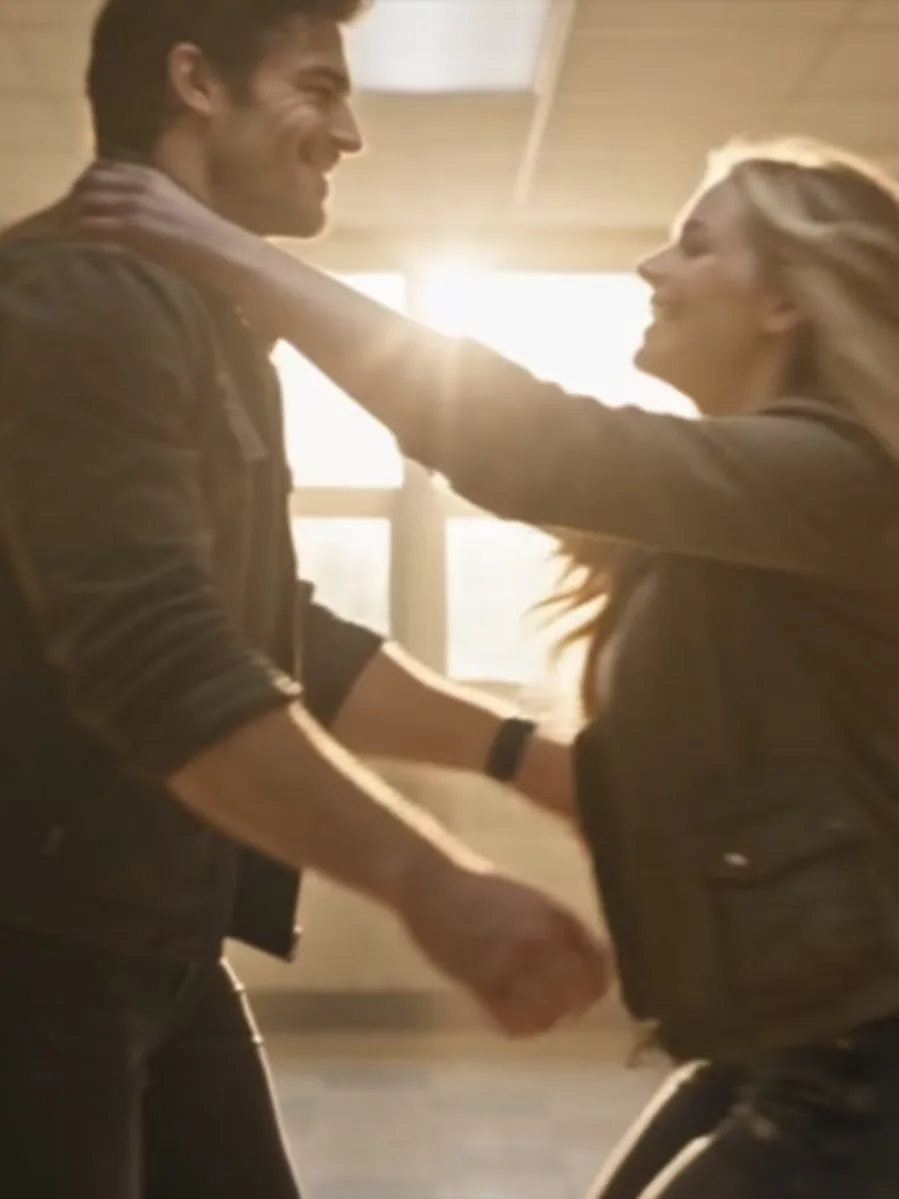
An AI zombie video can turn familiar faces into a short story set around an outbreak. In the Orvlex template, one person is the survivor and the other is someone they know. The survivor meets that person again after they have become infected. The scene then shifts to a warmer memory of the two together before the outbreak. It is a fixed 15-second sequence, built from two human photos rather than a prompt or a set of editable shots.
The emotional change is the point of this version: the second person is frightening in the present scene and recognizable in the memory. The reference video above shows that story order before you choose photos. It is an example of this template, not a gallery of user submissions. You can use the format for a partner, friend, or family member when you want a compact fictional scene with two people who have a clear relationship. The template does not create a longer film or let you rewrite the ending.
Two people, two roles
Photo 1 supplies the survivor. Photo 2 supplies the familiar person who appears infected in the present and healthy in the memory. Choose the roles deliberately: reversing the photos changes which person the story follows. A separate, clear photo of each person is easier to place in the two slots than a group picture. Faces should be visible and well lit so you can identify both people in the selected images.
The story and pacing are fixed. You cannot choose a different zombie encounter, write dialogue, change the soundtrack, or edit individual frames here. This is useful when you want to make the specific before-and-after story shown in the preview. If you want an open-ended video or a photo editor, this template is not designed for that task. Look at the example first and decide whether its sequence is the one you want.
How to make an AI zombie video
Pay $9.90 for one 15-second video, then leave your email address and add the survivor’s photo to Photo 1 and the familiar person’s photo to Photo 2. Check the previews so the roles are in the order you intended. No account is required, and there is no free tier or subscription.
Your result appears on this page for watching and download when it is ready, and a private download link is sent to your email. Uploaded photos are checked before generation and the result is checked afterward. For a lighter two-person performance, use the other launch template.
See the AI hotel lobby video template for that direction.
How it works
Three steps. No timeline.
Add two photos
Add a clear photo of the survivor to Photo 1 and the familiar person to Photo 2.
We render
Generate the fixed encounter-to-memory story. Watch the result here when it is ready.
Watch and save
Watch the 15-second result on this page, then download it.
Simple pricing
Credits. That's the whole model.
Pay for one video, then leave your email and upload two photos.
10 credits
15 seconds · 2 photos · no subscription
Unused credits are valid for one year. See the Terms for safety checks and refunds.
Questions
Before you make one.
How many photos do I need?
Two human photos: one for the survivor and one for the familiar person.
Can I change the story or the soundtrack?
No. The story direction is fixed so the example gives you a clear sense of the result.
Is this a photo editor?
No. The photos are inputs for a short video, and the finished result appears on this page.
Which person becomes the zombie?
Photo 2 is the familiar person who appears infected in the present scene and healthy in the memory. Photo 1 is the survivor.
How long should I allow for the video?
Render time varies. Your 15-second video appears on this page when it is ready.
How much does one video cost?
One 15-second video costs 10 credits. The only pack is 10 credits for $9.90.
What happens if a safety check blocks the video?
If uploaded content is blocked before generation, the task fails and your credits return. If the generated video is blocked after generation, the task fails and your credits do not return.
Is there a free trial or subscription?
No. There is one pay-per-video credit pack and no subscription.
Do I need an account?
No. Pay first, add an email address, then upload two photos and generate.
Another direction
Same photos. Different story.
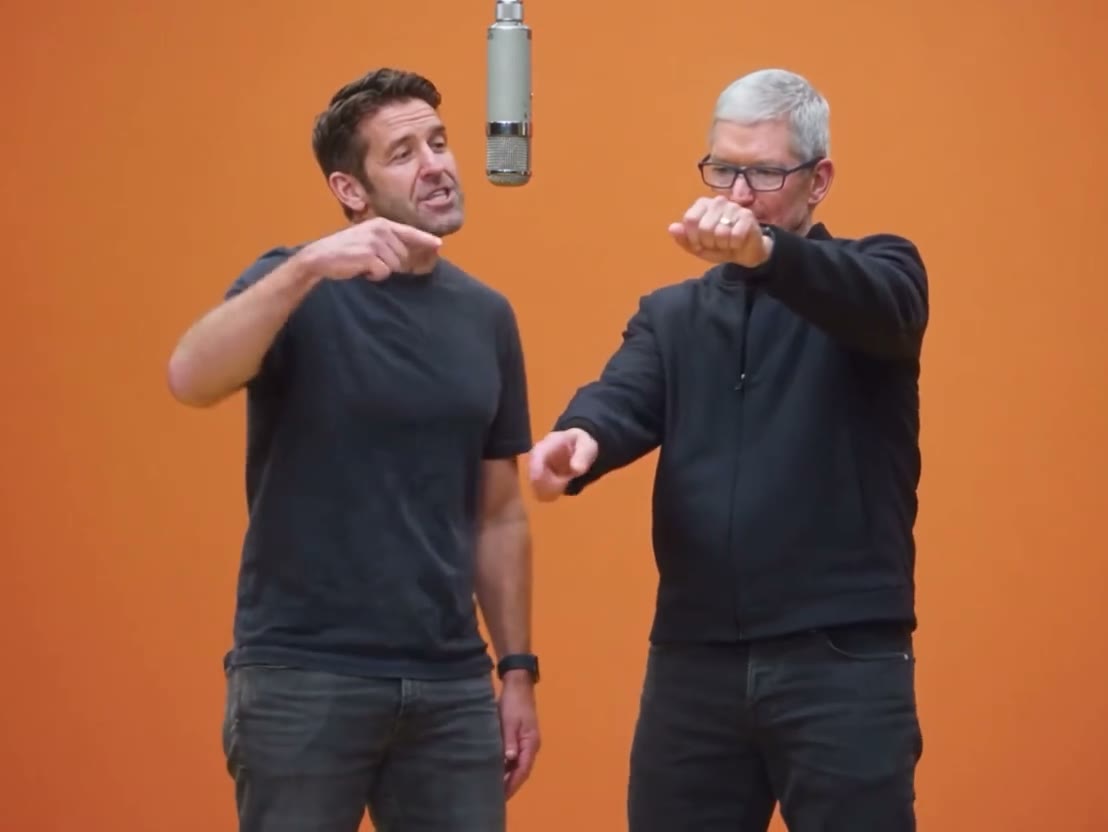
AI hotel lobby
A shared entrance, with better timing.